Tracking Finances with Plaid, GoogleSheets, and R
26 Mar 2026Aim: Improve awareness of expenses and flow of money.
Introduction: Knowing where your money goes is important. Did I spend beyond my budget on groceries this month? Am I spending more than 50% of my income on rent? Is lifestyle creep affecting my savings? When will I pay off my loans at my current savings rate? The only way to confidently answer these questions is by tracking your finances. Several years ago I used a free app called Mint that let you link your bank accounts and credit cards, etc. , it provided analytics, trends, and allowed me to refresh my balance and see all my transactions in one area. I loved using Mint, but alas, all good things come to an end and Mint shutdown. With that, I decided to build my own financial tracking tool.
Methods:
Google Sheets (Plaid bank feeds) → contains underlying google app script
        │
        ▼
01a_data_prep_live.R        ← cleans balances, transactions, budget
        │
        ▼
  .RDS intermediates
        │
        ├──▶ 02a_data_analytics.Rmd   → Main finance dashboard (HTML)
        └──▶ 03a_md_accounts.Rmd      → Daily email snapshot (Markdown)

GitHub Actions runs the full pipeline daily at 7 AM UTC,
commits outputs, and emails the account summary.
Cloudflare pages hosts html output produced from 02a_data_analytics.Rmd
| Layer | Tools |
|---|---|
| Data source | Personal bank account, transaction data |
| Data ingestion | Plaid → Google Sheets (https://github.com/williamlmao/plaid-to-gsheets), googlesheets4, googledrive |
| Data processing | dplyr, tidyr, lubridate, janitor |
| Visualization | ggplot2, patchwork |
| Reporting | rmarkdown, DT, formattable, fontawesome |
| Automation | GitHub Actions (daily cron) |
| Hosting | Cloudflare Pages |
Lessons Learned:
- This was my first time working with a 3-legged auth api. The process of gathering and storing access_tokens for each of my accounts could probably be improved by integrating an auth page into my application frontend instead of manual one-off auth and copy-pasting access_tokens into my google app script.
- The Google app script + google sheet as the backend works fine. A later improvement for better security and flow can be migrating this to a sql database.
- Plaid’s categorization of expenses isn’t perfect so mapping categories to correct labels requires continued iteration. The current case_when code structure to clean expense categories (shown below) is unwieldy and lacks as a robust long term solution. Listing these categories/rules into a separate googlesheet tab or local csv to serve as a look-up may be a more transparent and easily editable solution.
Sample Pictures:
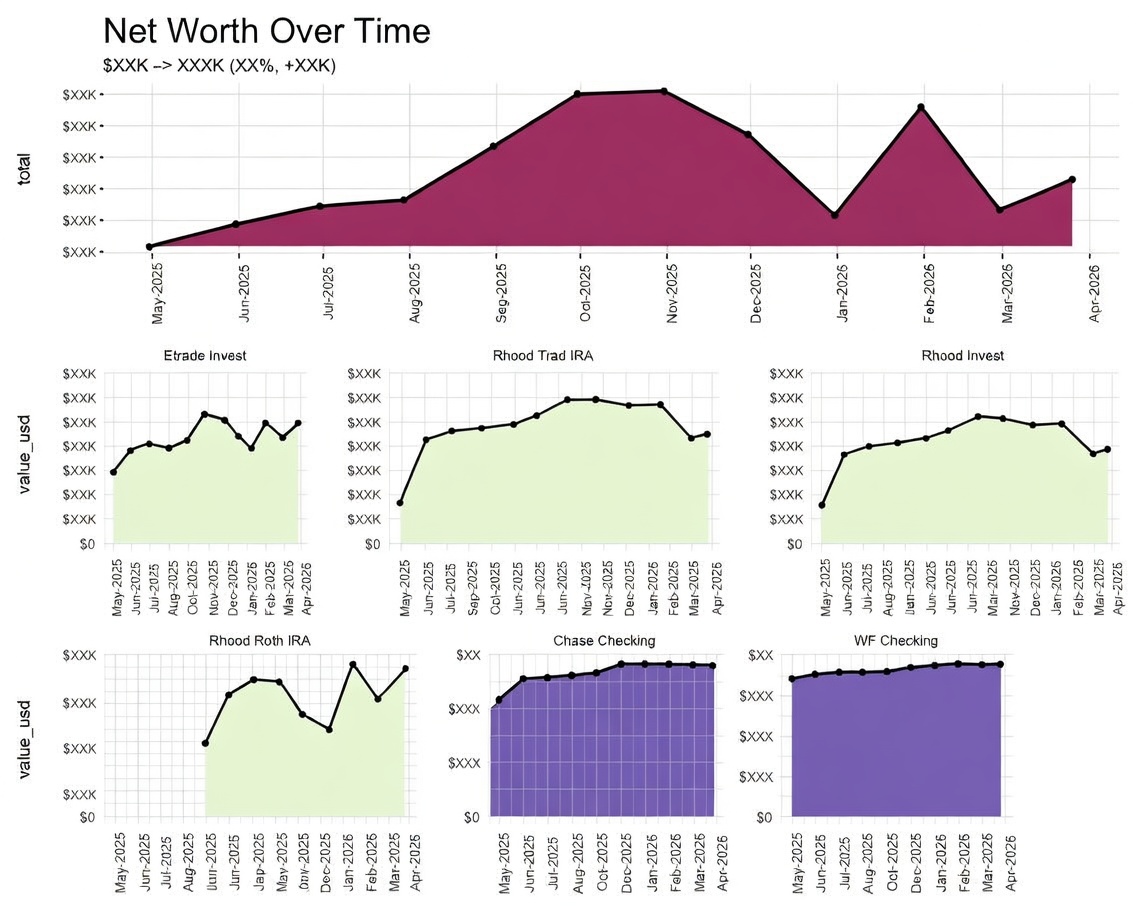
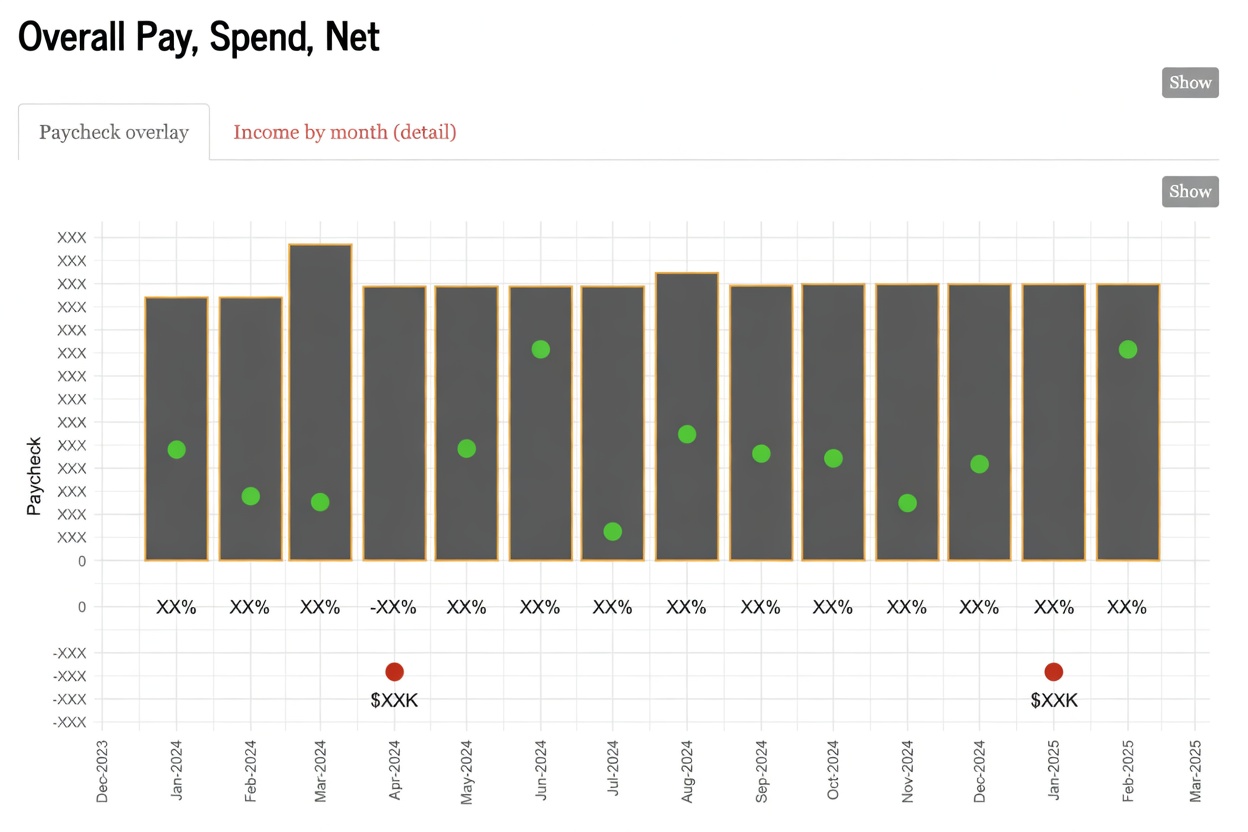
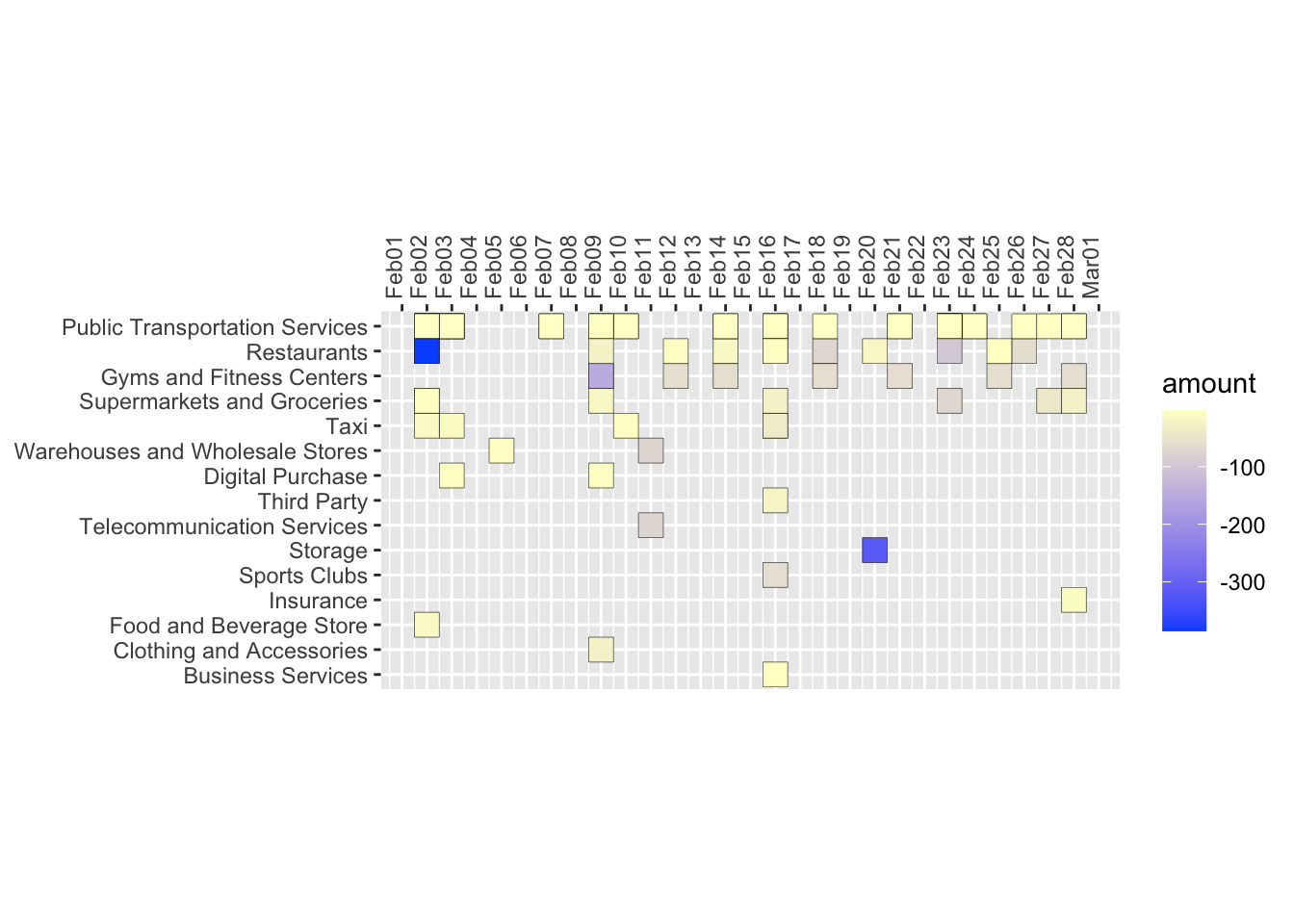
Check out the github project here
Disclaimer: the opinions expressed and analyses performed are solely my own and do not necessarily reflect the official policy or position of my employer.